Single Login (Show score or hide score options)
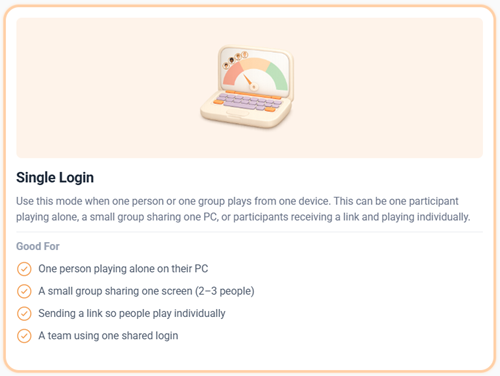
Single Login is perfect when one person or one group plays from one device.
This can be one participant playing alone OR a small group sharing one PC,
Two ways to use single login
- This works best when players are online playing by themselves. You log everyone into the game allowing everyone to receive a personal profile after playing.
- Groups of up to four people can share one PC, with one person acting as the “PC Master” to implement choices. Using a shared large screen can enhance the experience. Note: In this setup, individual profiles aren’t generated, only the implemented choices are considered.
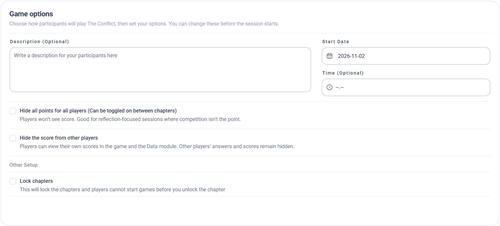
By default players will see each other's score.
You can choose to hide the score from other players or even hide score from all.
Good for reflection-focused sessions where competition isn't the point.
How to Facilitate a large group:
The facilitator can see results as they are created, and the facilitator can see profiles after gameplay.
You can introduce the game as you normally do – but:
- Remember to add a lot more time for each section within your flow.
- People need more time to physically get to groups.
- No complicated stuff in your presentation – keep it simple when you introduce the theory and gameplay.
Consider how you want to create engagement amongst the players.
Ask yourself - When are they going to share and talk, when are you going to stop them and ask the reflection questions from the facilitation guide?
Some ways of creating engagement:
Let participants reflect in groups after each chapter or option.
Use the host view or the floorboard
 This website uses cookies. You agree to the use of cookies by clicking on the page.

