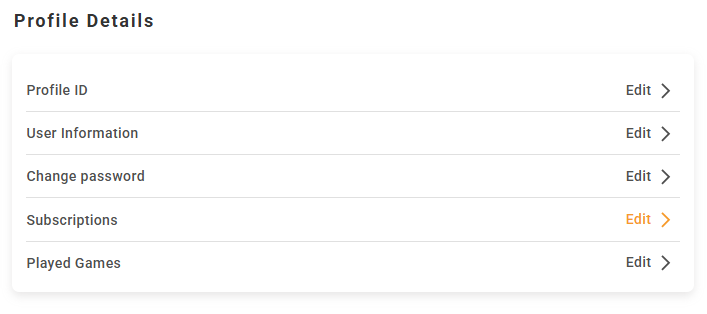
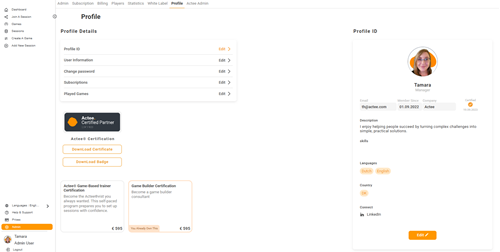
Updated Profile Page in Admin
We have introduced a new and improved Profile page in the Admin section, making it easier to view and manage all your personal information, settings, and activity in one place.


Clear Structure with Easy Editing
The new Profile page is organized into clearly defined sections, each with an Edit option so you can quickly update your information when needed:
Profile ID
Here you will find all your certifications on the platform. This gives you a quick overview of your credentials.
For certified users, this is also where you can manage how you appear on the homepage by adding a personal description and a profile picture.
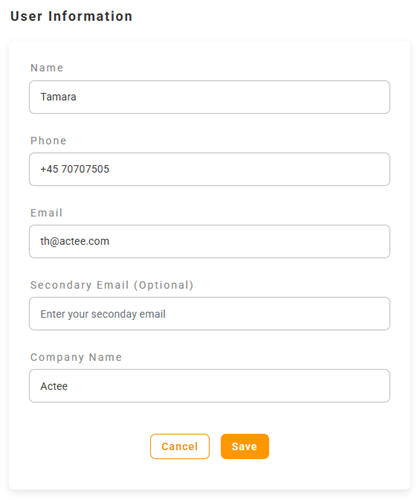
User Information
In this section, you can keep your personal details up to date.
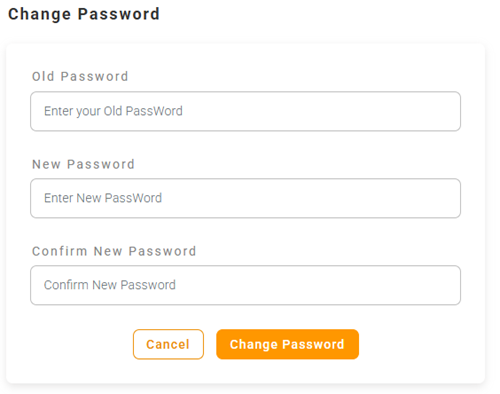
Change Password
You can easily update your password at any time to keep your account secure.
Subscriptions
The Subscriptions section shows all the subscriptions you are currently part of, giving you a clear overview of your access and participation.
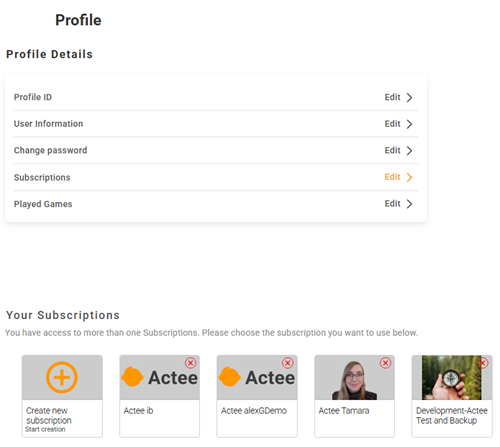
Played Games
In Played Games, you can view all the games you have played and filter your activity by specific gameboards. This makes it easy to track your activity or revisit previous sessions.
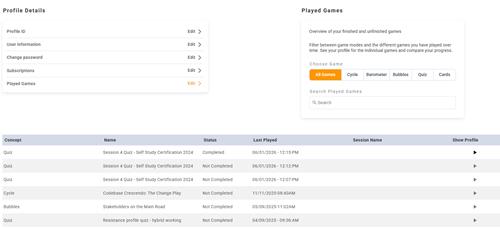
Everything in One Place
With this update, your profile is now more structured, easier to navigate, and quicker to update. Each section is designed to give you full control while keeping everything simple and accessible.
 This website uses cookies. You agree to the use of cookies by clicking on the page.
